Windows Forensic Artifacts
A Practical Guide to Evidence Correlation in Digital Forensics and Incident Response
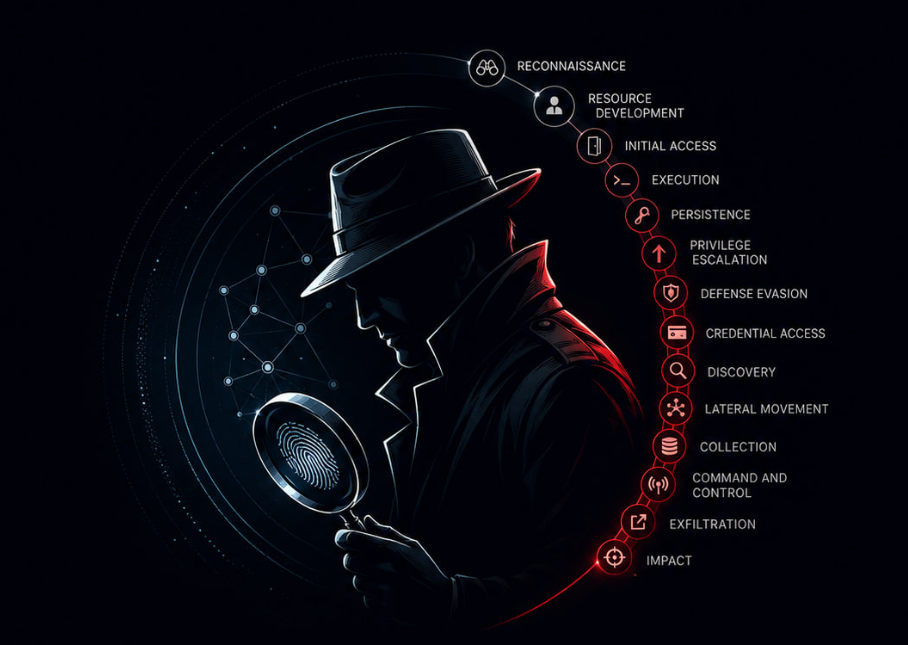
Prepared by Yasir Alharbi
Senior Cybersecurity Analyst | AI master's student | DFIR development track
This handbook is an investigation-first guide to Windows forensic artifacts for SOC analysts, DFIR analysts, incident responders, threat hunters, malware analysts, and FOR508/GCFA-oriented learners.
The central discipline is simple: separate observation, evidence, inference, assumption, and conclusion. Each chapter explains why an artifact exists, what it can and cannot prove, and how to correlate it with other evidence.
Author and Portfolio
This handbook was prepared by Yasir Alharbi as an independent educational DFIR reference focused on Windows forensic artifact correlation and incident reconstruction.
- Portfolio: yasir-alharbi.github.io
- GitHub: github.com/Yasir-Alharbi
- LinkedIn: linkedin.com/in/Yasir-T-Alharbi
Chapters
How to Use This Site
- Start with Chapters 1-4 if you are new to Windows artifact reasoning.
- Use Chapters 5-17 as artifact-specific references during investigation.
- Use Chapters 18-24 for lateral movement, source/origin analysis, memory corroboration, timeline building, anti-forensics, and complete incident reconstruction.